Historic Montana Lodge
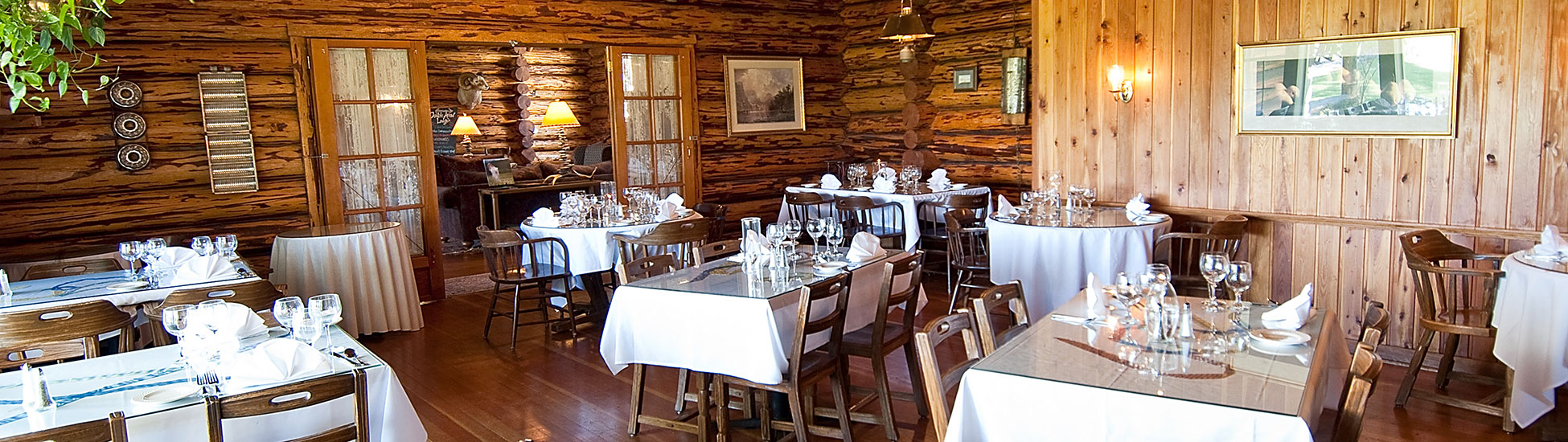
Welcome to the Double Arrow Resort where a warm western-welcome has greeted visitors for over 90 years. The opportunities for a relaxing vacation getaway at this historic Montana lodge are as endless as Montana’s Big Sky.
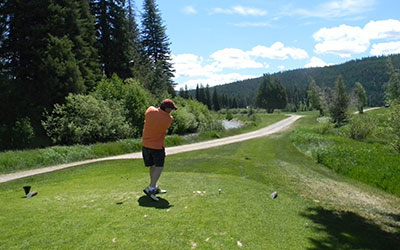
Nestled in the heart of the Seeley Swan Valley, you will find one of the premiere resorts in Western Montana offering four seasons of fun and adventure. You can enjoy Montana fly fishing, Montana golf, whitewater rafting, horseback riding, hiking Montana, cross-country skiing, Montana snowmobiling, horse-drawn sleigh rides and more.
Double Arrow Lodge Grounds Map
Double Arrow Lodge Rate Card
Compare us to other resorts in Western Montana and you will see why so many guests return to this Montana resort year after year. Our guests rave that our personalized service and attention to their needs surpasses that of many other Montana resorts.
Montana Group Events
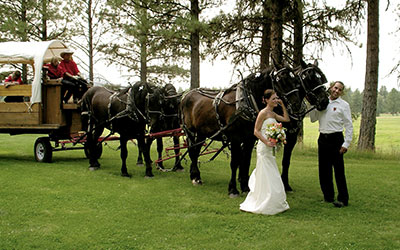
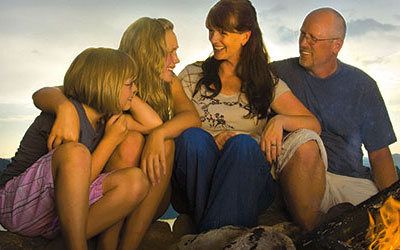
Family reunions find the Double Arrow Resort to be one of the finest family resorts in Montana. Wedding parties rate us high on the list of luxury resorts with classic Montana style. Corporate groups need look no further when searching for Montana cabins and resorts. If you are looking for Montana cabins and resorts or lodges, we have what you are looking for.
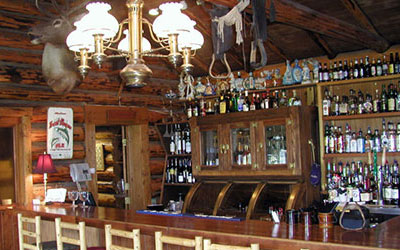
Each cabin offers peace and quiet, plus cozy comfort and fine cuisine, all amid the picturesque surroundings of mountains and lush forests – everything you would expect from a visit to a luxury Montana resort.
Montana Family Resorts
If you have been searching Montana for family resorts, couples getaways, or a conference facility, the Double Arrow Lodge fits the bill!